IPTV Installation Tutorials
Setup IPTV on Smart TVs with IPTV SMARTERS PRO App
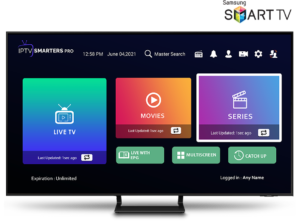
How to Install IPTV Smarters Pro on Smart tv ( Samsung/LG)
IPTV Smarters is an incredible video streaming player which is developed especially for end-users that want to be provided with the facility to watch live TV, VOD, Series and TV Catchup on their Smart TV. This video player app is easy to use and yet highly efficient with a powerful player, attractive and very impressive layout and most importantly user-friendly.
– HOW IT WORKS
✦ For Samsung Smart TV
• Step 1 : Press the Smart Hub button from your remote.
• Step 2 : Search for the IPTV Smarters Pro to install.
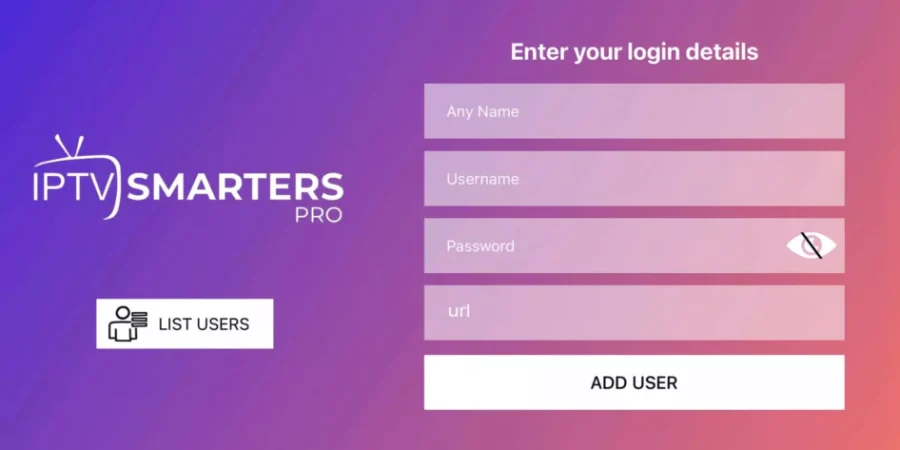
• Step 3 : Log in the Application with your subscription details i.e. Username, Password, Portal URL.
✦ For LG Smart TV
• Step 1 : Press the Home button on the remote & Go to LG Content Store.
• Step 2 : Search for the IPTV Smarters Pro to install.
• Step 3 : Log in the Application with your subscription details i.e. Username, Password, Portal URL.
If you’re having trouble installing apps on your phone, TV, or PC, you’re not alone. Even with the video tutorial, some steps may be confusing depending on your device.
Contact us anytime for help or more information, and we’ll be happy to assist you.
Android Devices [Android Box - Android TV - Stick]
Apple TV | IOS App
How To Setup IPTV On Apple/IOS With IPTV Smarters Player
• Step 1 : Start by downloading IPTV Smarters app from the Apple Store through this URL :
https://apps.apple.com/in/app/smarters-player-lite/id1628995509
or you can search for it on App store [Smarters Player Lite]
install the app on your IOS device
• Step 2 : Open the app once downloaded and Enter the login details.
• Step 3 : Enter the login details that we have provided you after you get a subscription with us
• Step 4 : Wait some seconds.
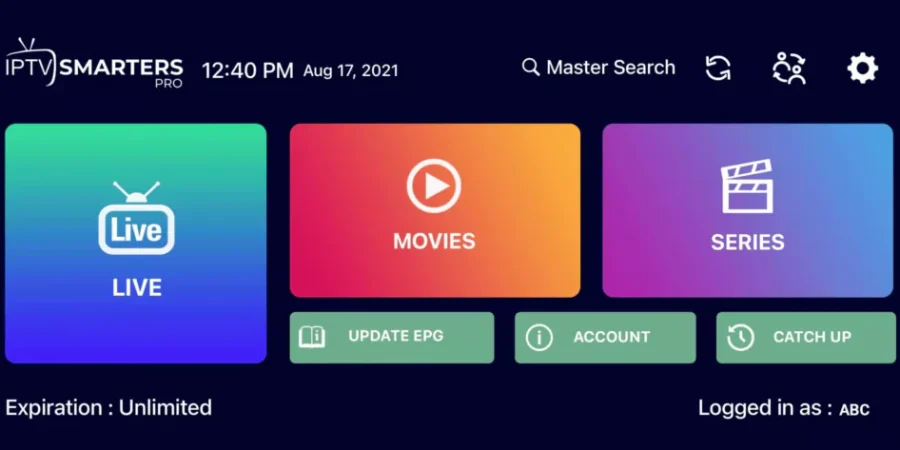
• Step 5 : Now click on “Live TV” icon as depicted in the image via a red arrow.
• Step 6: Now you must select the channel group that you want to watch and proceed to the next section.
• Step 7: Now you must click on the channel name and then double click on the small screen to turn into full screen as the final step.
If you’re having trouble installing apps on your phone, TV, or PC, you’re not alone. Even with the video tutorial, some steps may be confusing depending on your device.
Contact us anytime for help or more information, and we’ll be happy to assist you.